
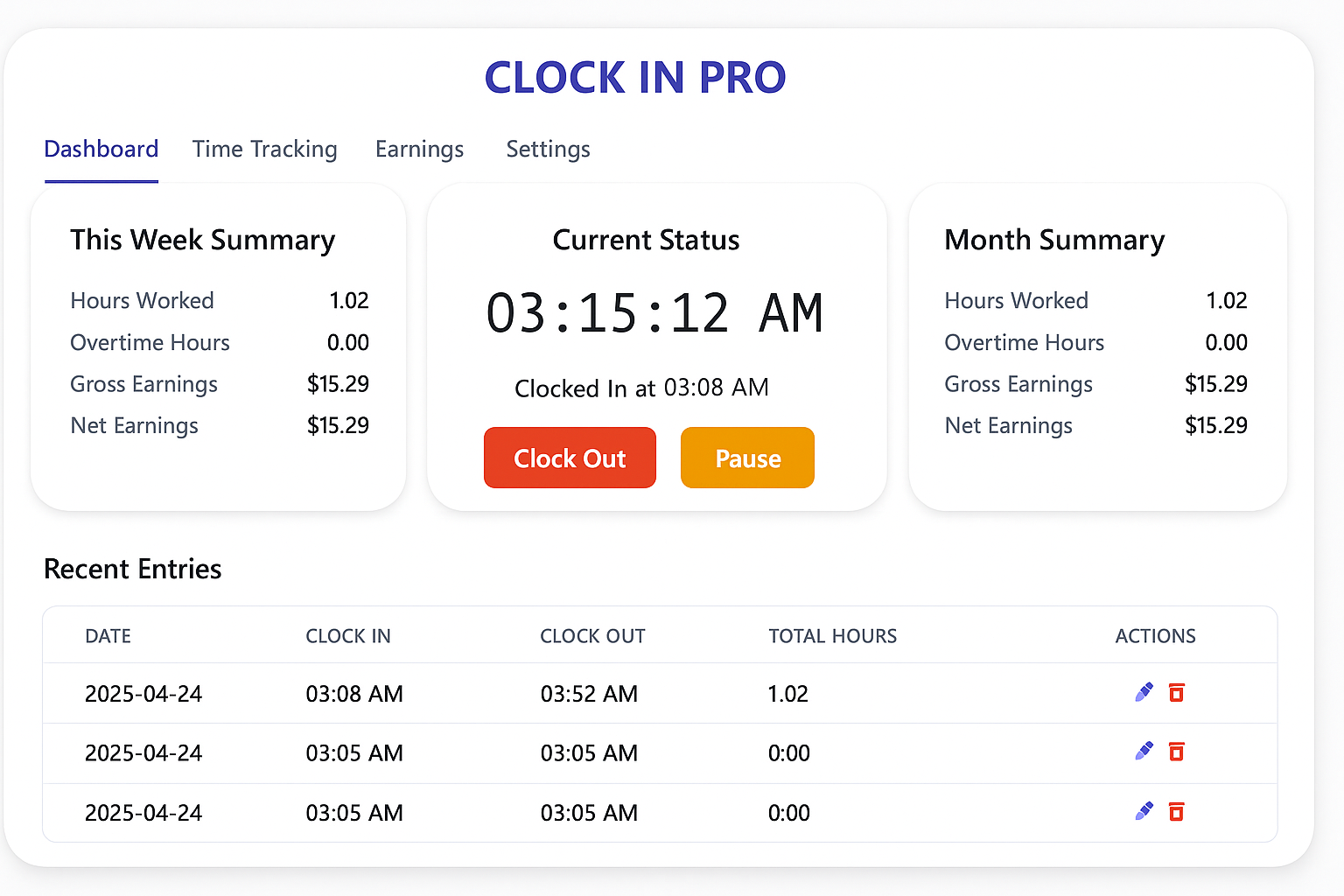
Key Features
Time Tracking
- Clock in/out with pause support
- See your break details
- Edit or delete any entry easily
Overtime Handling
- Automatic overtime detection
- Customize overtime rules
- Clear weekly/monthly analytics
Deductions
- Configure tax and custom deductions
- Accurate net earnings calculation
- Easy deduction management
Multilingual
- Supports English, Spanish, French, Hindi, German
- Switch language any time
- Localized numbers and currency
Secure, Private Storage
- All data stays local on your device using IndexedDB
- No account required, fully offline
- Backup & restore easily
Data Visualization
- Interactive charts for work and overtime
- Mobile-optimized graphs
- Export your reports
Clock In Pro vs. Spreadsheets and Basic Timer Apps
| Feature | Clock In Pro | Spreadsheet | Basic Timer App |
|---|---|---|---|
| Overtime Calculation | |||
| Tax/Deduction Handling | |||
| Break/Pause Tracking | |||
| Mobile Experience | |||
| Multilingual Support | |||
| Visual Analytics |
Perfect For Every Professional
Healthcare Workers
Track unpredictable shift patterns and overtime effortlessly.
Consultants
Bill clients accurately by exporting time reports with deductions handled.
Drivers & Shift Workers
Visualize long work weeks and easily manage lunch or rest breaks.
Students & Interns
Stay compliant with part-time work limits, in your own language.
Retail & Hospitality
Get clear insights into variable hours, overtime, and take-home pay.
Teams & Startups
All team members can track hours and create reports from their phones.
Visualize Your Work
- Regular Hours vs. Overtime
- Spot busy weeks and optimize your schedule
- Export data for invoices or records
- Charts are responsive and mobile-friendly
Multilingual & Mobile Experience
- English (EN)
- Español (ES)
- Français (FR)
- हिन्दी (HI)
- Deutsch (DE)
- Português (PT)
- 中文 (ZH)
- Русский (RU)
- العربية (AR)
- Italiano (IT)
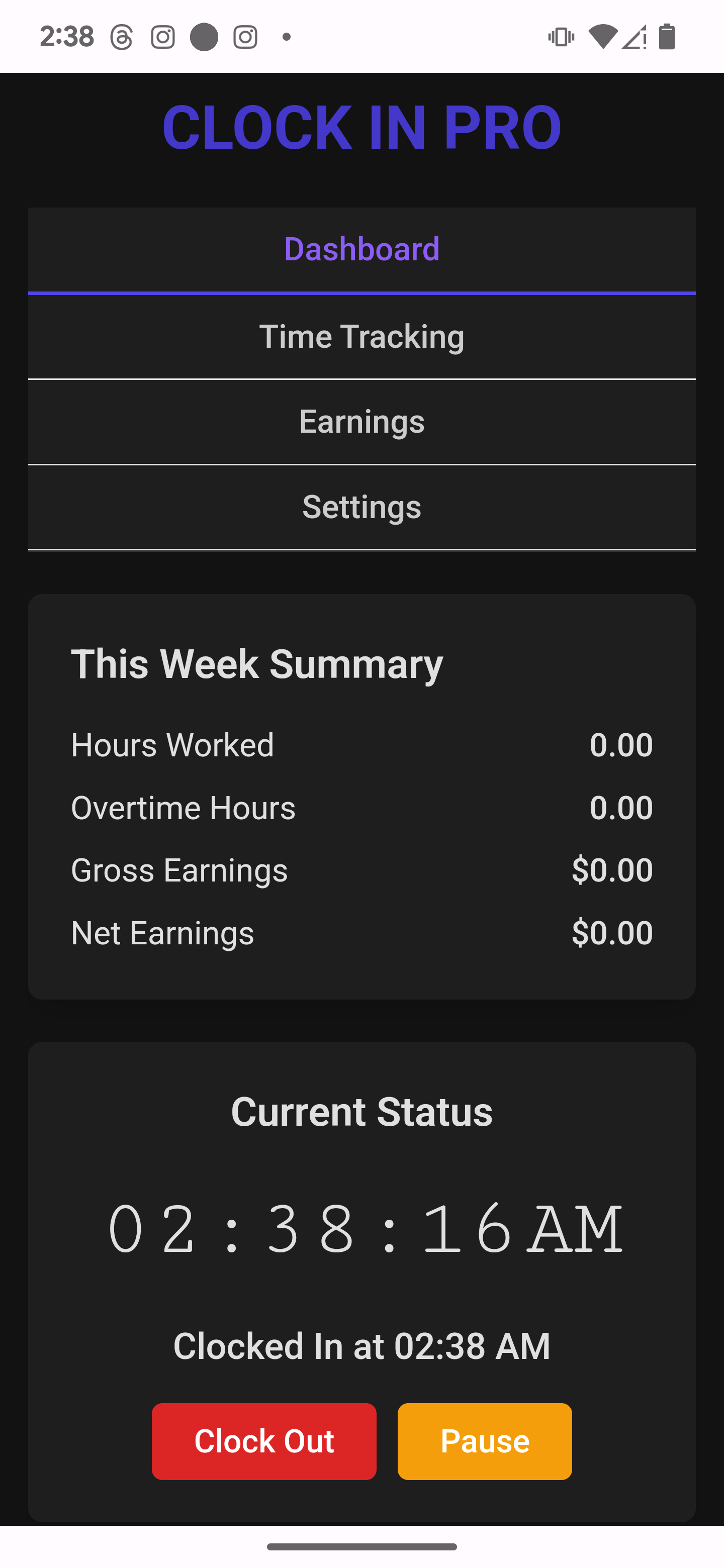
Switch devices & languages anytime!
How It Works
1. Set Up
No signup needed. Personalize your language, work, pay, and tax settings instantly.
2. Start The Clock
Simply clock in, tap pause for breaks, and clock out—all from your phone.
3. Manage Entries
Edit, correct, or delete time entries as needed. Review overtime and break details.
4. View & Export
See beautiful graphs, summaries, and export your reports for payroll or invoicing.
Frequently Asked Questions
Is Clock In Pro free?
Yes. Clock In Pro is free to download and use on both iPhone and Android.
Is my data private?
Absolutely! Your records are kept on your device by default. No account, no mandatory cloud sync. You stay in control of your data.
Can I change language at any time?
Yes! Instantly switch between English, Spanish, French, Hindi, or German with zero hassle.
Will it work on my iPhone or Android phone?
Yes. Clock In Pro is available as a dedicated mobile app for both iOS and Android devices.
Can I use it without the internet?
Core time-tracking features work offline. Internet may still be used for app store services, ads, analytics, and app updates.
Can I track multiple jobs?
Yes! Add work profiles for separate jobs, switch effortlessly, and view separate analytics for each.